How to create a polka dot pattern in Procreate
A surface pattern staple that never goes out of fashion!

Polka dot patterns are a simple yet staple print that I believe every surface pattern designer should have in their repertoire.
Polka dots make great blender prints in a pattern collection and are always popular on print on demand sites such as Spoonflower.
Once you have the basics sorted for how to make it, you can experiment with textures, colours, brushes and motifs, which can give you endless possibilities for interesting dotty prints.
In this post I’ll walk you step by step through the simplest way to create a polka dot pattern in Procreate and then give you four fun variations that will take your dot patterns to the next level!
If you'd prefer to watch the tutorial on my YouTube channel and see the steps in motion you can see the full video tutorial below:
How to make a polka dot print in Procreate
Start by creating a new canvas in Procreate at 12x12 inches at 300 DPI.
Go up to the spanner icon and turn on Drawing Guide. Then tap Edit Drawing Guide and slide the grid size up the max on the bottom toolbar so your canvas is divided into four equal sections.

Next select a simple brush. I’m going to be using the monoline from the classic Procreate brush library.
Draw your circle and hold the pen down at the end so the edges close together. With your pen still on the canvas tap the canvas with your other hand and your shape should snap into a perfect circle.
Fill the outline with the colour you were using so you have a solid circle.
Now tap the arrow at the top and make sure snapping and magnetics are both on and up to max. Move the circle so it is central in your canvas. You’ll know when it gets to the middle as orange guidelines will appear.

We now need to make some temporary diagonal marks in the top left and bottom right hand corners of the canvas which will help us with making the repeat in the next stage.
Once you have done this, duplicate the layer four more times so you have 5 identical layers.

Now move each of the layers to a corner, ensuring it snaps into place, and leave one layer where it is which will show the circle in the middle.

Merge the top four layers together and rub out the diagonal markings on each layer. On one layer they will be in the middle and on the other layer they’ll be in the corners where you made them.

Now merge the two layers together.
At this point if you wanted to add in another colour you could fill the middle circle with a coordinating colour like I have done below.

Now go up to the layers panel again and duplicate so you have four identical layers. This time, scale each one down into a corner to make the dots half their size.

If you like you can merge these four layers together, duplicate again and scale them down again to make a smaller scale.

Polka Dot Variations
Now you know how to create a basic polka dot pattern, there are many different ways you can vary the pattern to create some really fun results!
Vary the brush
Firstly you can experiment with different brushes in Procreate. If you have updated to the latest version of Procreate there is a brand new brush library with some really stunning brushes inside.
Some of my favourites include:
- The Tansy brush in the Watercolour section. This brush creates a really authentic watercolour effect with slightly darker edges and this can make a nice watercolour polka dot effect.
- The Everlasting brush in the Oils section creates a nice dry paint effect and can be used for all sorts of rustic, hand drawn effects.
- The Sea Scout brush in the Oils section is another great paint effect brush, and I love the way it changes and interacts with itself when you layer it.

If you’re going for a hand drawn or hand painted effect it can be a good idea to vary the dots you are making so that they don’t all look exactly the same.
Once you have moved the original dot to the corners, you can then delete the dot in the middle and redraw it so it is different to the other one. Just remember to centre it again using snapping and magnetics.
Vary the shape
There’s no reason you have to stick with polka ‘dots’. While this is the standard, you could try hearts, stars, or anything at all!
If you are adding the dot pattern to a collection you could choose a motif that ties in with your collection theme. For example, if you have a summer theme, try suns; if you have a winter theme, try snowflakes.

Vary the colours
Thirdly, you don’t need to stick to one or two colours. You could add in as many colours as you’d like.
I would suggest doing it as this stage when you have scaled the pattern down once. Make sure all the dots are on the same layer and then just drag the colour to each dot from your palette.

Just make sure if you are recolouring a dot that comes off the edge of the canvas, you will need to recolour it on both sides (otherwise you will have a dot that is half one colour and half another when it repeats!)
Vary the size
Finally you could experiment with changing the size of the dots, as this can give very different effects to your final pattern.
If you start with a small dot, it will create a polka dot with a lot of open space.
If you choose a larger dot, you will get a much chunkier dot pattern.
Both are good, it just depends on the style you are going for!

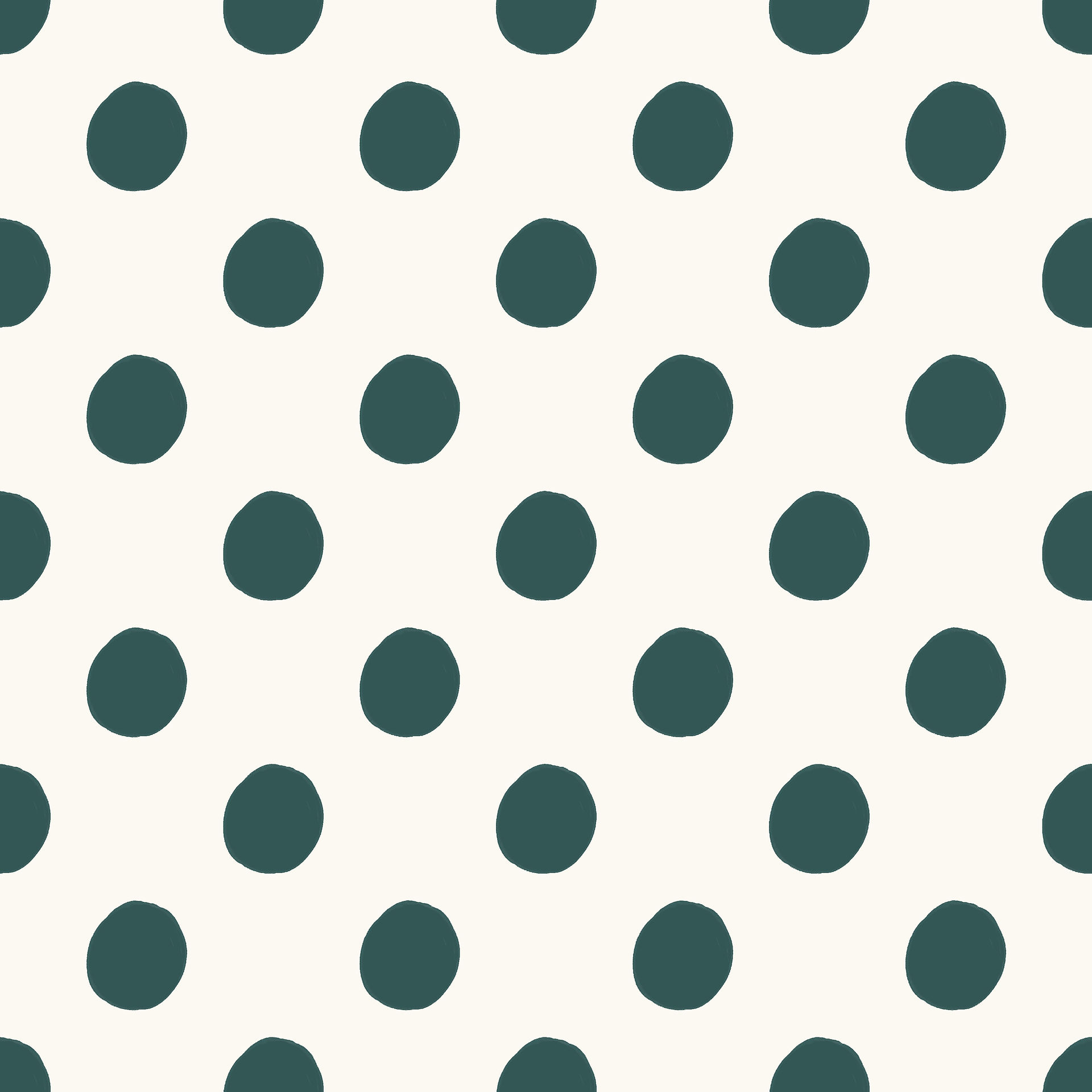
I hope that has given you some inspiration to have a go at a few polka dot patterns!
If you are new to surface pattern design and want a step by step approach to creating a more complex repeating pattern in Procreate, take a look at my Procreate Patterns Class below.

If you have any questions about polka dots or anything else surface pattern related, don't hesitate to leave me a question in the comments section below!


I always love reading your newsletters and blog posts. I get so excited when there’s a new one. I love that you feature pattern tutorials, as simple as this one, too. I’m excited to experiment with this one! Thank you Jasmine!